Advanced Cinematography
Location Lighting
Sit beside me while I prep, light and shoot an entire commercial, and watch every lighting decision get made in real time.
The treatment, the director’s call, four location options, the tech scout, the schedule, the pre-light and each setup on the shoot day, built on a virtual set with virtual cameras.
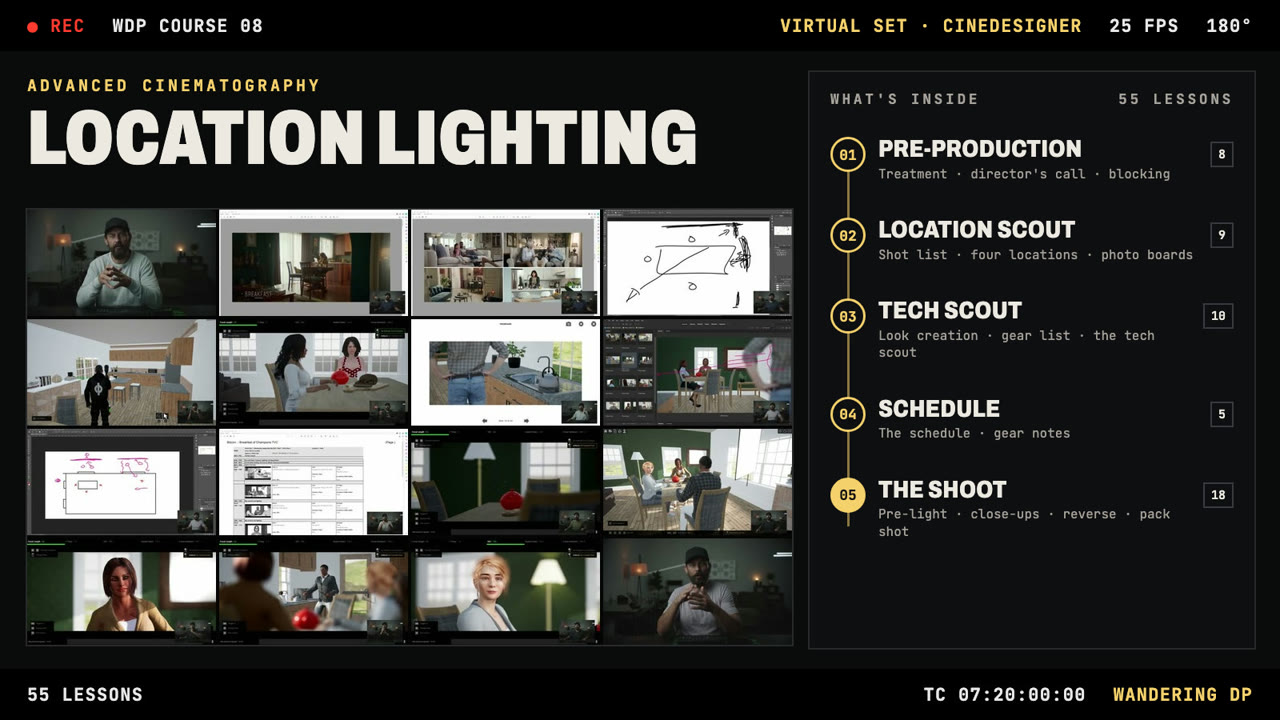
A still can’t show you how it was built.
I’ve always shared my methods and the results of my experiments on the podcast, and something was always missing. There isn’t room in one episode or one YouTube video for all the detail.
A breakdown starts from the finished frame, and you work backwards from stills to figure out how it got there. Here you watch the shots being built. We build, light and shoot the job on a virtual set in CineDesigner, and you see each change and lighting decision as it happens.
It’s the system I use on my jobs day to day, the one behind the Framework, laid out in full. Most of the work happens before anyone walks on set, so more than half the course is prep. You’ll hear why I make each choice, which makes the how much easier to follow.
- Turning a treatment and a director’s call into a plan2.2–2.3 Treatment · 2.4 Director’s Call · 2.5 The Sandbox · 2.6–2.7 Blocking
- Choosing between four locations3.2 Rough Shot List · 3.3 Key Items · 3.4–3.7 Location Options #1 to #4 · 3.8 Photo Boards
- Building the look and the gear list4.2–4.3 Look Creation · 4.4 Rough Gear List · 4.7–4.9 Tech Scout
- Fitting it all into one shoot day5.1 The Schedule Process · 5.3–5.4 The Schedule · 5.5 Gear Notes
- Lighting the set and shooting each setup6.2–6.5 Pre-Light · 6.6 The First Shot · 6.14 Going In Tighter · 6.15–6.17 The Pack Shot
One job, start to wrap.
Every still here comes from the lessons.
Treatment pages, location photo boards, plans drawn over the set, the schedule, and the virtual set itself, where the cameras and lights go in shot by shot. You see the whole commercial the way I see it on a real job.
For DPs who want to see the whole job.
Made for cinematographers who know the podcast or the YouTube channel and want to see how those ideas work on a set, step by step.
Take it if
- You’ve studied the breakdowns and want to watch a job lit from the first light to the last, instead of working backwards from stills.
- You want to see how the treatment, the location scout and the schedule feed into what happens on shoot day.
- You want to put the Framework to work on your own jobs and need to see it run on one from start to finish.
- You learn best looking over the shoulder of someone who does this day in and day out.
Start elsewhere if
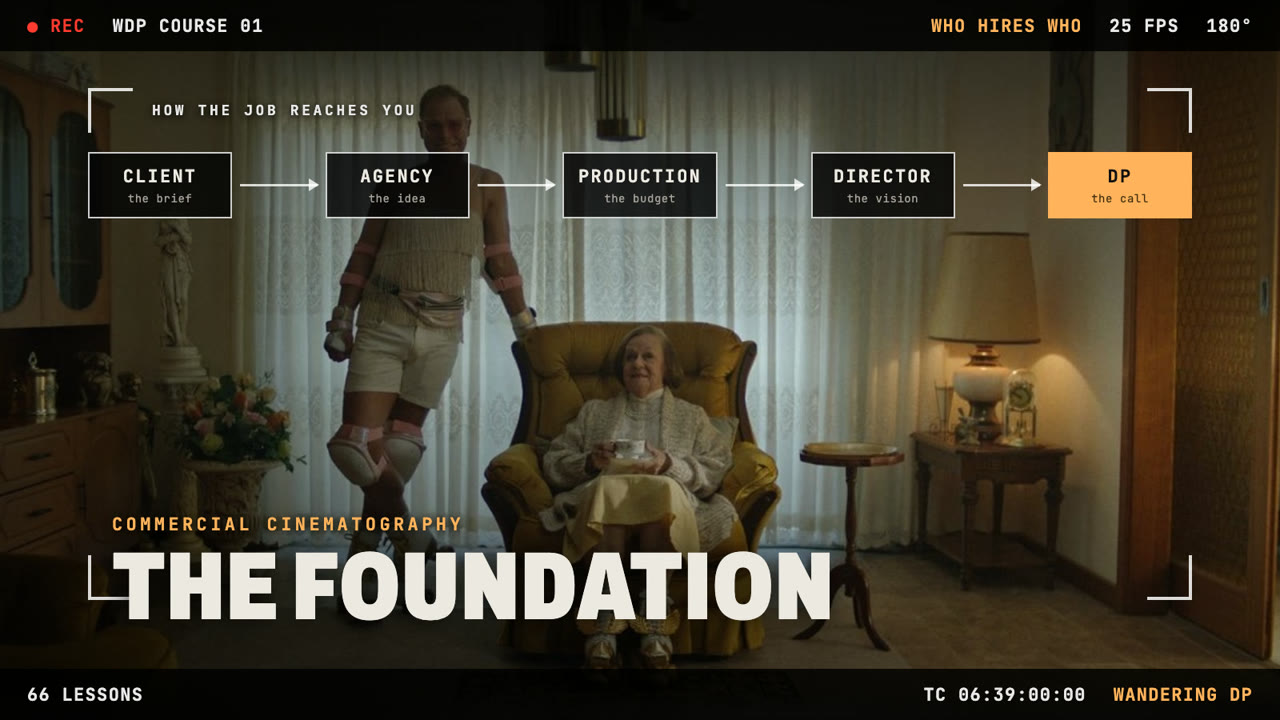
- You’re new to how commercial jobs are found, booked and prepped. Start with The Foundation.
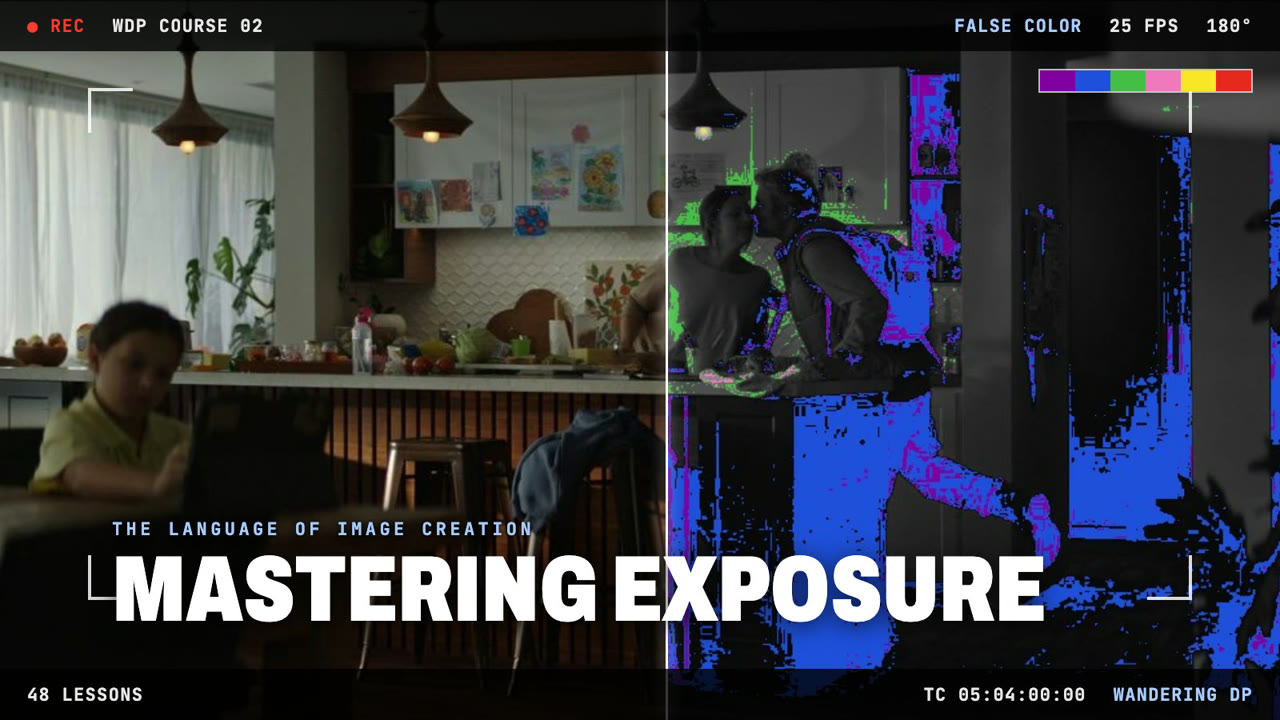
- You want the fundamentals of exposure first. That’s Mastering Exposure.
- You want blocking and coverage for specific kinds of scenes. That’s The Playbook Approach.
- You want footage from a physical set. This course is taught entirely on a virtual set.
Every lesson, in order.
Pre-production, four location options, the tech scout and the schedule, then the shoot day setup by setup, from the arrival and pre-light to the pack shot and wrap.
Two lessons are free previews on Teachable, so you can see the course before you buy.
01Introduction
- 1.1 Course Overview3:51
- 1.2 Teachable Overview2:02
- 1.3 Ad Overview2:49
02Pre-Production PhaseFREE PREVIEW
- 2.1 Preproduction6:34
- 2.2 Treatment9:17
- 2.3 Treatment (Part 2)11:08
- 2.4 Director's Call7:48
- 2.5 The Sandbox6:23
- 2.6 Blocking10:12
- 2.7 Blocking (Part 2)FREE PREVIEW ↗6:28
- 2.8 Location Ideas11:39
03Location Scout
- 3.1 The Location Scout5:51
- 3.2 Rough Shot List6:12
- 3.3 Key Items5:13
- 3.4 Location Option #114:23
- 3.5 Location Option #210:00
- 3.6 Location Option #313:44
- 3.7 Location Option #48:38
- 3.8 Photo Boards11:05
- 3.9 Pack Shot Boards9:35
04Tech Scout
- 4.1 Tech Scout Prep5:34
- 4.2 Look Creation10:43
- 4.3 Look Creation (Part 2)7:00
- 4.4 Rough Gear List9:16
- 4.5 Quick Note3:27
- 4.6 Tech Scout Process5:57
- 4.7 Tech Scout (Part 1)10:54
- 4.8 Tech Scout (Part 2)9:47
- 4.9 Tech Scout (Part 3)9:52
- 4.10 Moving On1:12
05The ScheduleFREE PREVIEW
- 5.1 The Schedule Process4:33
- 5.2 The Vast Majority2:15
- 5.3 The Schedule (Part 1)10:51
- 5.4 The Schedule (Part 2)FREE PREVIEW ↗9:56
- 5.5 Gear Notes3:51
06The Shoot
- 6.1 The Arrival2:17
- 6.2 Pre-Light (Part 1)11:15
- 6.3 Pre-Light (Part 2)11:07
- 6.4 Pre-Light (Part 3)9:06
- 6.5 Pre-Light (Part 4)9:41
- 6.6 The First Shot14:44
- 6.7 Down The Line10:25
- 6.8 The First Close Up6:33
- 6.9 The Second Close Up6:49
- 6.10 Lunch Break15:35
- 6.11 Reverse Opening Shot5:45
- 6.12 The Alt Medium9:38
- 6.13 The Reverse 3 Shot4:46
- 6.14 Going In Tighter11:55
- 6.15 The Pack Shot9:51
- 6.16 The Pack Shot (Part 2)10:23
- 6.17 The Pack Shot (Part 3)11:52
- 6.18 Wrap Party2:12
07Wrap
- 7.1 Loose Ends5:45
- 7.2 Moving On3:05
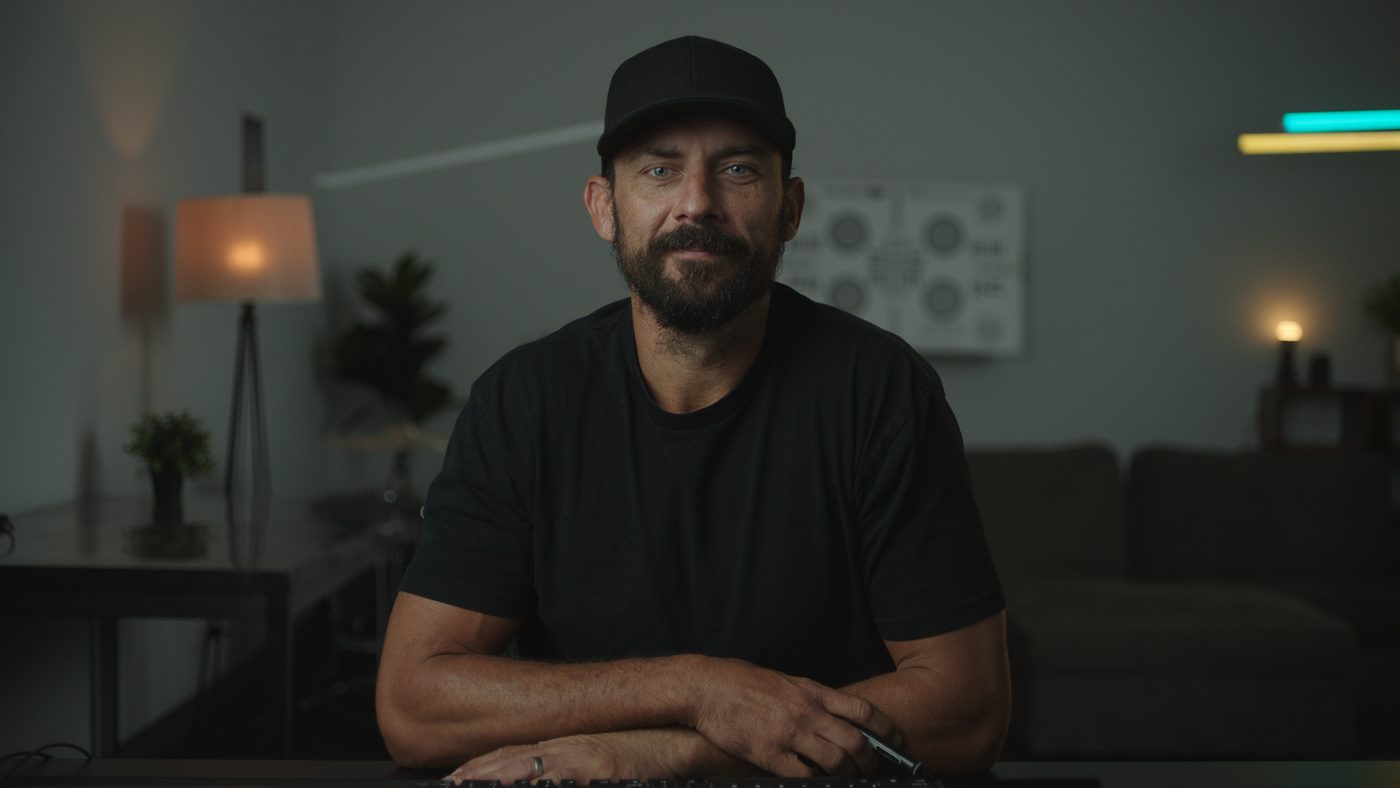
Patrick O’Sullivan, working DP.
I’ve been a cinematographer for more than a decade and have shot hundreds of commercial projects. Landing, prepping and shooting those jobs taught me a lot about the different ways a DP can approach the role.
Since 2014 I’ve shared that on The Wandering DP Podcast, breaking down real jobs with the frames, diagrams and decisions behind them. This course shows what a breakdown can’t: one commercial built and lit in real time, from the treatment through every setup on the shoot day.
Everything in Location Lighting.
One payment, then the whole job is yours to watch at your own pace.
- The course55 video lessons, 7h 20m in all, following one commercial from the treatment to wrap.
- AccessLifetime access on any device.
- Guarantee30 days. If the course isn’t right for you, let us know within 30 days of enrolling for a full refund.
30-day money-back guarantee. If it isn’t right for you, email within 30 days of enrolling for a full refund.
Before you enroll.
How is this different from the podcast and Patreon breakdowns?
Which course should I take first?
Is this filmed on a real set?
How is this different from On Set Training?
How long do I have access?
What if the course isn’t right for me?
When does it start and finish?
Can I pay with PayPal?
Where do I watch the lessons?
Cinematography is hard. Here’s how I work.
I spent years chasing techniques and workflows that turned out not to matter, and there’s a lot out there that doesn’t work. This is the system I built by trial and error and honed on set, and every step in it is there for a reason. If the way I approach images makes sense to you, this is where you see all of it, on one job.