Advanced Cinematography
On Set Training
Join me on set for a commercial, from the treatment to the last shot of the shoot day, and see where every light goes and why.
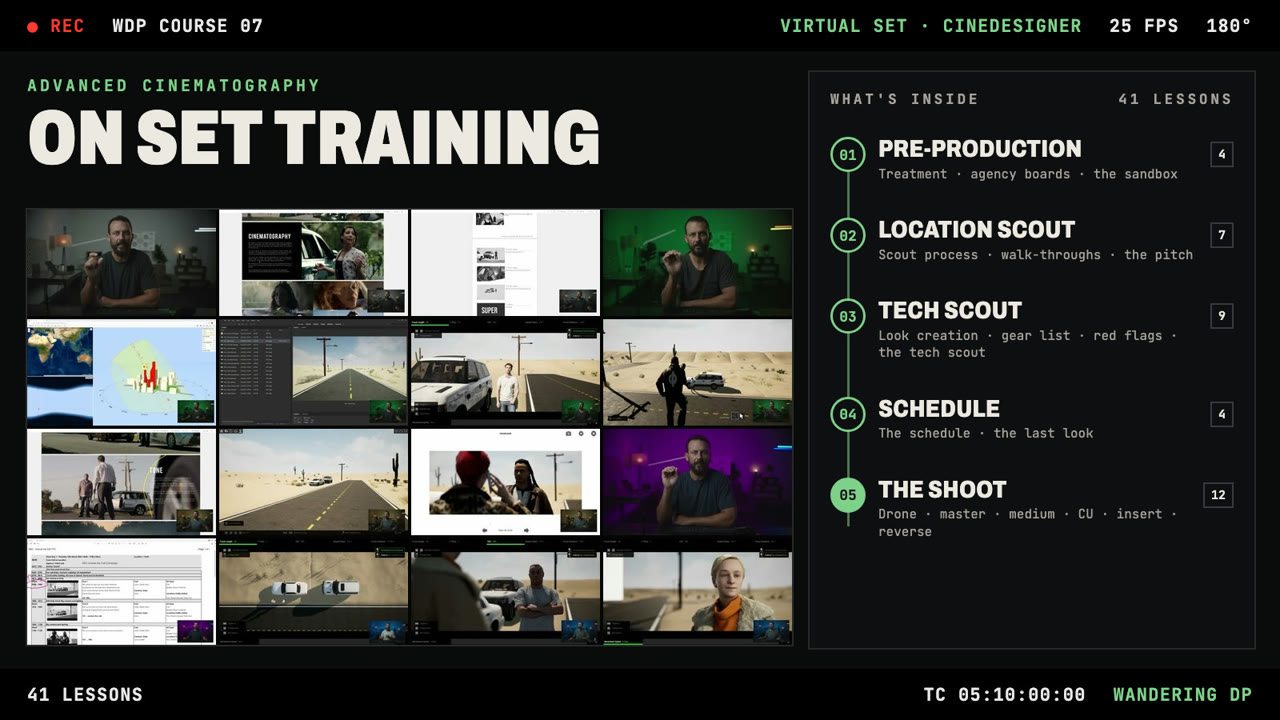
The whole job is built in a virtual set, so we can walk the location, look through the lens and place each fixture while I scout, schedule and light a day exterior.
Learn it on the job.
There’s a big gap between understanding lighting, framing and running a set and being able to do it when the pressure is on.
Hands-on time next to an experienced DP has never been easy to get. If you didn’t have a mentor or come up through the camera department, you were mostly on your own. On the podcast I can show the frames and draw the diagrams. Here you’re on set while each element is added to the shot.
The course follows one commercial from start to finish: the treatment and agency boards, the location scout, the tech scout, the schedule and the shoot. It’s my workflow as a DP, the good parts and the bad. Most of a cinematographer’s job is done before they walk on set, so most of the lessons happen before the shoot day.
- How do you scout a location to see if it will work for your job?3.1 The location scout process · 3.4 The photo walk-through · 3.5 The physical walk-through · 3.7 Making the decision
- When do you really create the style and look of a project?2.2 The treatment · 2.3 The agency boards · 4.1 Look creation
- What’s the best workflow on set for lighting a scene?6.3 Shot #2, the master · 6.5–6.7 Shot #4, the medium · 6.10–6.11 Shot #7, the reverse
- How do you make sure you’re set up for the shoot day?4.2 Creating the plan · 4.3 Rough gear list · 4.4 Red flags · 5.1 The schedule process · 5.4 The last look
A whole job, in a virtual set.
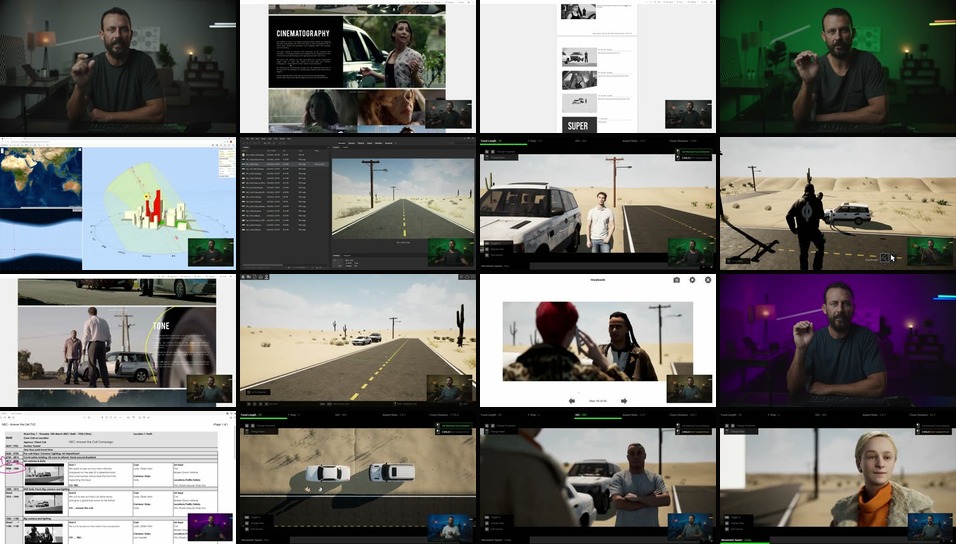
Every location, camera, light and actor in the course is built in CineDesigner, so you see the scouts and the shoot day first hand.
No more guessing where the lights go or where the best angle for the negative fill is. You watch each fixture go in, look through the lens as the frame comes together, and hear why I made each call. I light day exteriors in a very specific order, and the shoot section takes you through it one setup at a time.
Cinematographers who want to see it done.
Built for cinematographers new to commercial sets who want step-by-step guidance, and for DPs who want to push their skills up a notch by watching another DP work a full job.
Take it if
- You understand the theory of lighting and framing and want to see it applied on a whole job, setup by setup.
- You’ve never had the chance to stand next to a DP on a commercial set.
- You want to know when the look of a project gets decided and how it carries through the scout, the gear list and the schedule.
- You want to see a day exterior lit in order, from the master to the reverse close-up.
Start elsewhere if
- You want the business side: finding work, talking rates and how jobs get booked. That’s The Foundation.
- You want to read and control exposure. That’s Mastering Exposure.
- You want interiors lit on location. That’s Location Lighting.
- You need footage of a real crew on a physical set. Everything here happens in a virtual set.
Every lesson, in order.
One job, start to finish: pre-production, the location scout, the tech scout and the schedule, then the shoot, where each setup gets its own lessons.
Two lessons are marked as free previews: 2.3, The Agency Boards, and 6.4, Shot #3, The End Frame.
01Introduction
- 1.1 Course Introduction3:32
- 1.2 Teachable Introduction1:05
- 1.3 Ad Overview2:18
02Pre-ProductionFREE PREVIEW
- 2.1 Pre-Production2:39
- 2.2 The Treatment11:44
- 2.3 The Agency BoardsFREE PREVIEW ↗10:21
- 2.4 The Sandbox4:09
03Location Scout
- 3.1 The Location Scout Process4:01
- 3.2 Speed & Story2:52
- 3.3 My Secret Tool8:03
- 3.4 The Photo Walk-Through15:18
- 3.5 The Physical Walk-Through11:13
- 3.6 The Pitch8:01
- 3.7 Making the Decision4:07
04Tech Scout
- 4.1 Look Creation5:54
- 4.2 Creating the Plan12:27
- 4.3 Rough Gear List9:36
- 4.4 Red Flags3:48
- 4.5 The Tech Scout Process6:55
- 4.6 The Tech Scout (Part 1)12:22
- 4.7 The Tech Scout (Part 2)12:29
- 4.8 The Tech Scout (Part 3)10:34
- 4.9 Moving On2:25
05Schedule
- 5.1 The Schedule Process5:31
- 5.2 The Schedule9:41
- 5.3 The Schedule (Part 2)9:24
- 5.4 The Last Look4:31
06The ShootFREE PREVIEW
- 6.1 The Fun Begins1:03
- 6.2 Shot #1 – The Drone14:04
- 6.3 Shot #2 – The Master9:44
- 6.4 Shot #3 – The End FrameFREE PREVIEW ↗9:08
- 6.5 Shot #4 – The Medium11:12
- 6.6 Shot #4 – The Medium (Part 2)11:15
- 6.7 Shot #4 – The Medium (Part 3)10:20
- 6.8 Shot #5 – The CU9:30
- 6.9 Shot #6 – The Insert9:52
- 6.10 Shot #7 – The Reverse9:29
- 6.11 Shot #7 – The Reverse (Part 2)6:51
- 6.12 The Reverse CU7:06
07Conclusion
- 7.1 Wrap Party2:54
- 7.2 One Last Step3:19
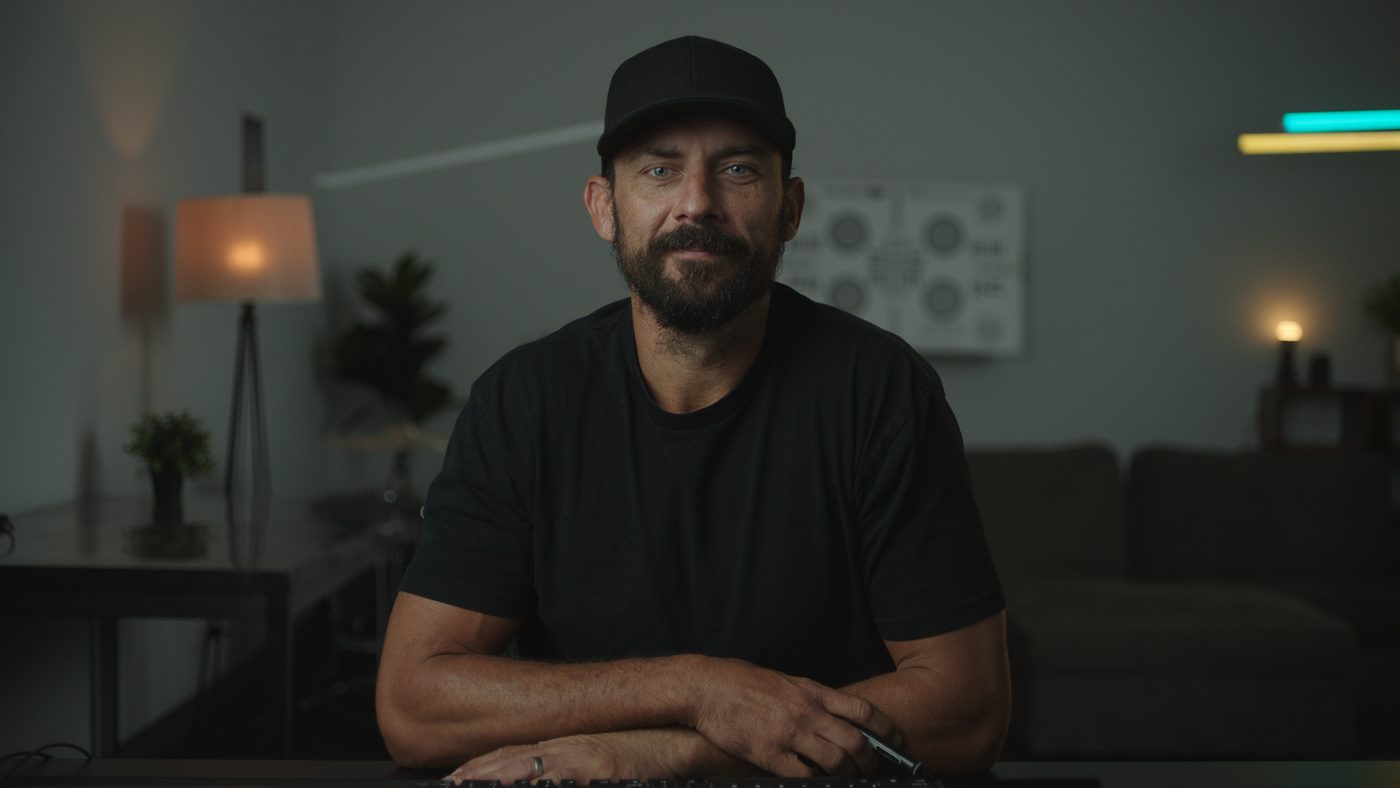
Patrick O’Sullivan, working DP.
I’ve been a cinematographer for more than a decade and have shot hundreds of commercial projects. Landing, prepping and shooting those jobs taught me a lot about the different ways a DP can approach the role.
Since 2014 I’ve shared that on The Wandering DP Podcast, breaking down real jobs with the frames, diagrams and decisions behind them. On Set Training puts you on the set for one whole job instead, from the treatment to the last setup, so you see each light go in and why.
Everything in On Set Training.
The course opens for enrolment once a year. When it’s open, it’s one payment and the course is yours.
- The course41 video lessons following one commercial through pre-production, both scouts, the schedule and the shoot, in a virtual set.
- AccessLifetime access on any device.
- EnrolmentOpens once a year, each September. Get the free Framework PDF and you’ll hear when it opens. The 30-day money-back guarantee applies when you enroll.
This course opens once a year, each September. Get the free Framework PDF and you’ll hear when enrolment opens.
Get the free Framework PDFBefore you enroll.
How is this different from the podcast and Patreon breakdowns?
Which course should I take first?
Is this filmed on a real set?
When can I enroll?
How long do I have access?
What if the course isn’t right for me?
When does it start and finish?
Can I pay with PayPal?
Where do I watch the lessons?
Getting results isn’t an accident.
The principles we talk about on the podcast and the YouTube channel get executed here, one decision at a time, on a full commercial. It’s my DP playbook. Watch how the workflow plays out from prep to wrap, then take it onto your own jobs.